Start with your heart.
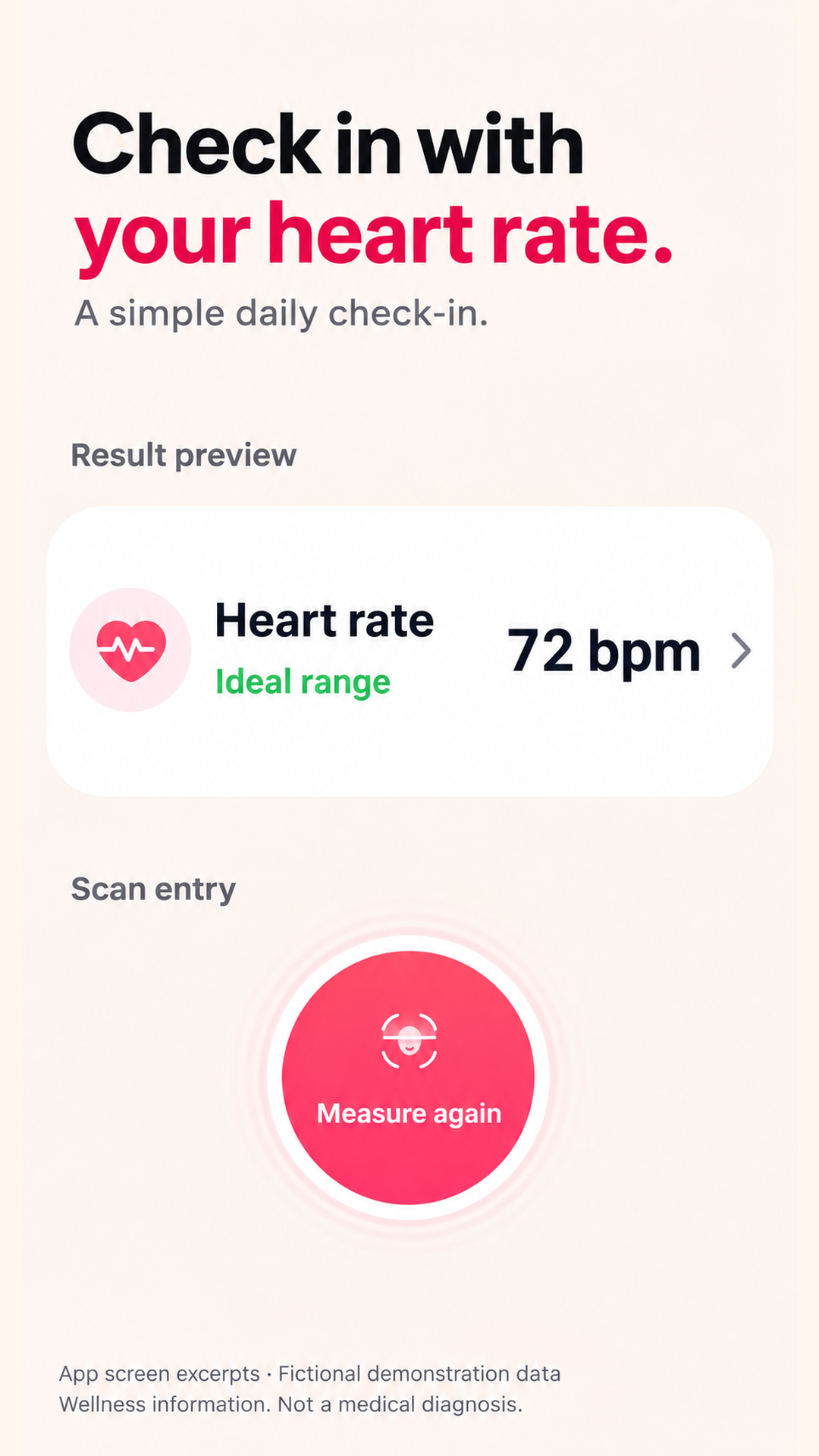
Explore estimated heart rate and HRV as part of your wellness check-in.
 PulseCheckby Les Health
EVERYDAY WELLNESS, MADE CLEAR
Meet PulseCheck. Make space to understand your everyday wellness, one simple check-in at a time.
Explore on Google Play↗For Android · In-app purchases available
Less guesswork about what to look at.
More clarity in how your indicators change.
Small moments.
Meaningful awareness.
A CLEARER VIEW
From a moment of measurement to a report you can revisit. PulseCheck brings the essentials together.
Explore estimated heart rate and HRV as part of your wellness check-in.
Review breathing, stress and body indicators in a clear report.
Revisit your measurement records and explore trends, not just a single number.
A MOMENT FOR YOU
Use good lighting, keep still, and follow the measurement instructions in the app.
A facial measurement takes approximately 30 seconds. Device and signal quality can affect results.
Use the results for general wellness awareness, not medical decisions.
HERE TO HELP
For help with the app, purchases or a privacy request, contact our support team. Please include your app version and device model.
Contact support ↗No. PulseCheck is a general wellness reference app, not a medical device. It does not diagnose, treat, cure or prevent disease. Do not use it for emergency monitoring or to change medication or treatment. Speak to a qualified healthcare professional about medical concerns.
Lighting, movement, face position, camera capabilities and signal quality can affect measurement availability and accuracy. Follow the in-app instructions and do not interpret results as a clinical assessment.
Read the PulseCheck privacy policy for information on camera use, measurement processing, service providers and deletion requests.
Open Google Play, select your profile, then Payments & subscriptions → Subscriptions. Use the Google account associated with your purchase. Uninstalling the app does not cancel a subscription.
Open Google Play subscriptions ↗